Tracking Bay Contamination
RMP Status and Trends monitoring began in 1993. The monitoring design has evolved over time, including a major design evaluation and revision in 2022 that resulted in a primary focus on contaminants of emerging concern.
Monitoring Elements
Latest News
Thu, Sep 18 2025
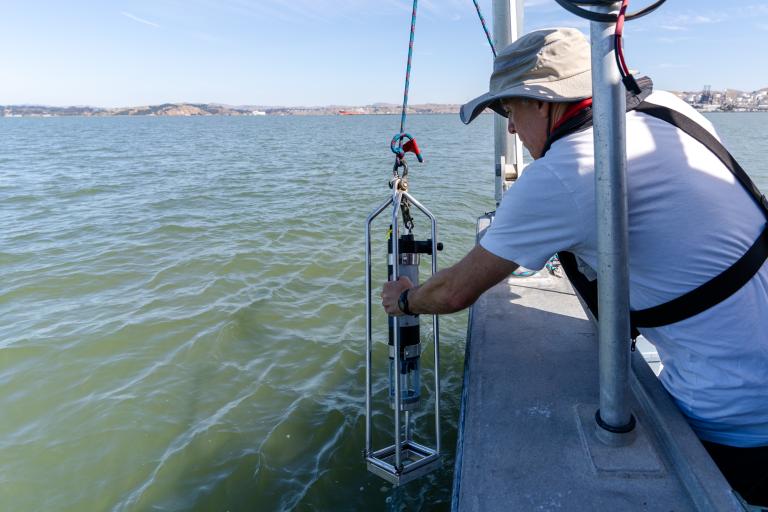
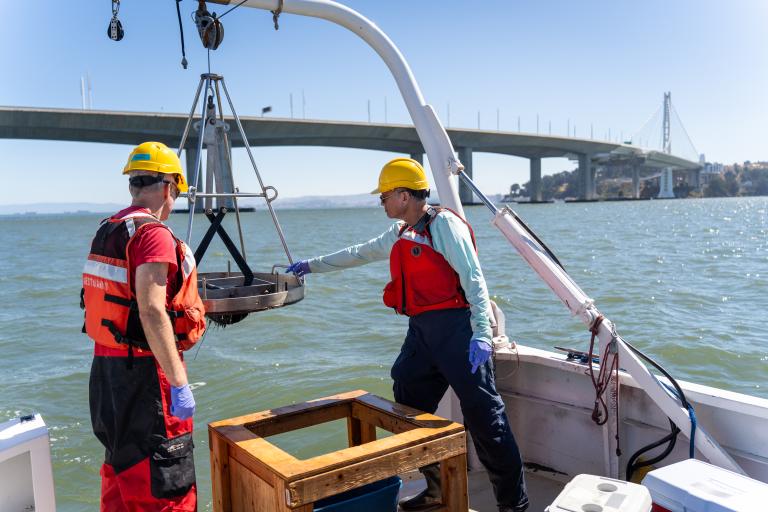
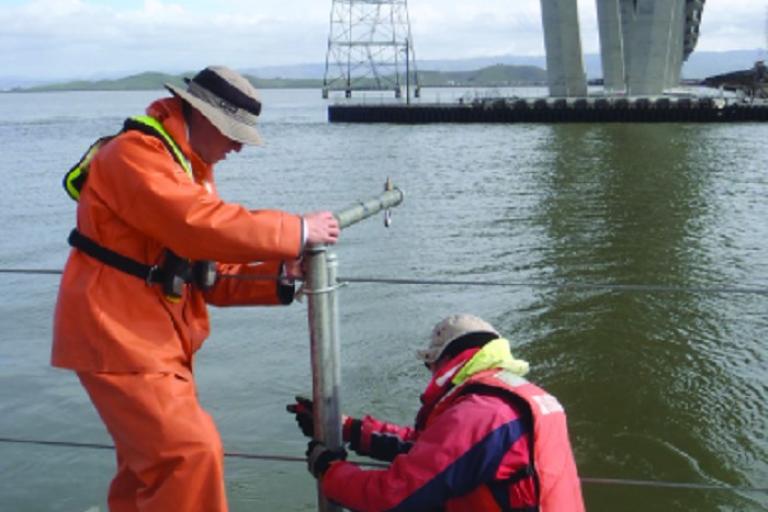
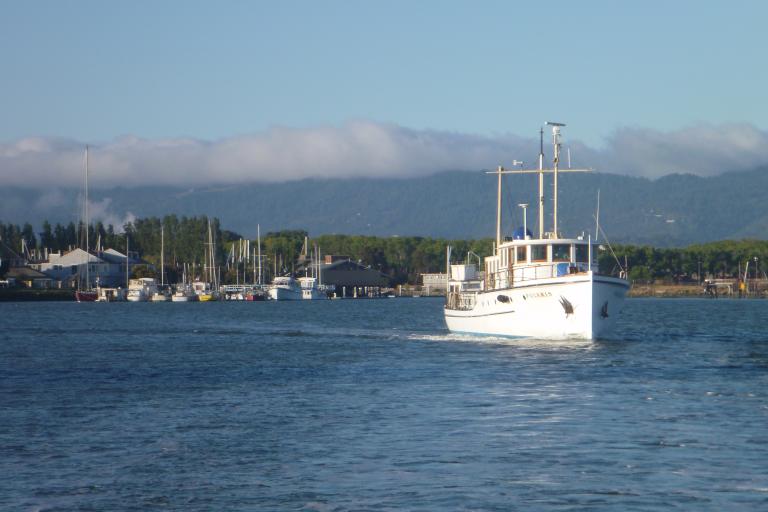
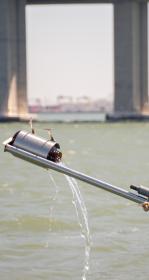
All Aboard for Water Quality Sampling
Key Resources
- Status and Trends Design Documentation
- Sampling Methods and Plans
-
- 2026/2027 North Bay Selenium Sampling and Analysis Plan
- 2026 Water Sampling and Analysis Plan
- 2025 Dry Season Water Cruise Sampling and Analysis Plan
- 2024 Bird Egg Sampling and Analysis Plan
- 2024 Sport Fish Sampling and Analysis Plan
- 2024 Water Sampling and Analysis Plan
- 2023 Water Sampling and Analysis Plan
- 2023 Dry Season Water Cruise Plan
- 2023 Sediment Cruise Sampling and Analysis Plan
- 2023 Prey Fish and Near-field / Margins Sediment Sampling and Analysis Plan
- 2021 Water Sampling & Analysis Plan
- 2020 North Bay Margins Sediment Sampling & Analysis Plan
- Cruise and Field Reports
-
- 2025 Dry Season Water Cruise Report
- 2024 Sport Fish Field Report
- 2024 Bird Egg Field Report
- 2023 RMP Water Cruise Report
- 2023 RMP Sediment Cruise Report
- 2023 Prey Fish and Near Field / Margins Sediment Cruise Report
- 2021 Water Cruise Report
- 2020 North Bay Margins Sediment Cruise Report
- 2020 North Bay Selenium Study Cruise Report
- QA Documents
- Accessing Data
-
All Status and Trends data can be downloaded from the Contaminant Data Display and Download Tool (CD3) dashboard:
- Select "SF Bay Regional Monitoring for Water Quality" from the "Program" dropdown menu.
- Select "Regional Monitoring Program - Status and Trends" from the "Parent Project" dropdown menu.
Learn more about accessing RMP data.
Accessing Archived RMP Samples
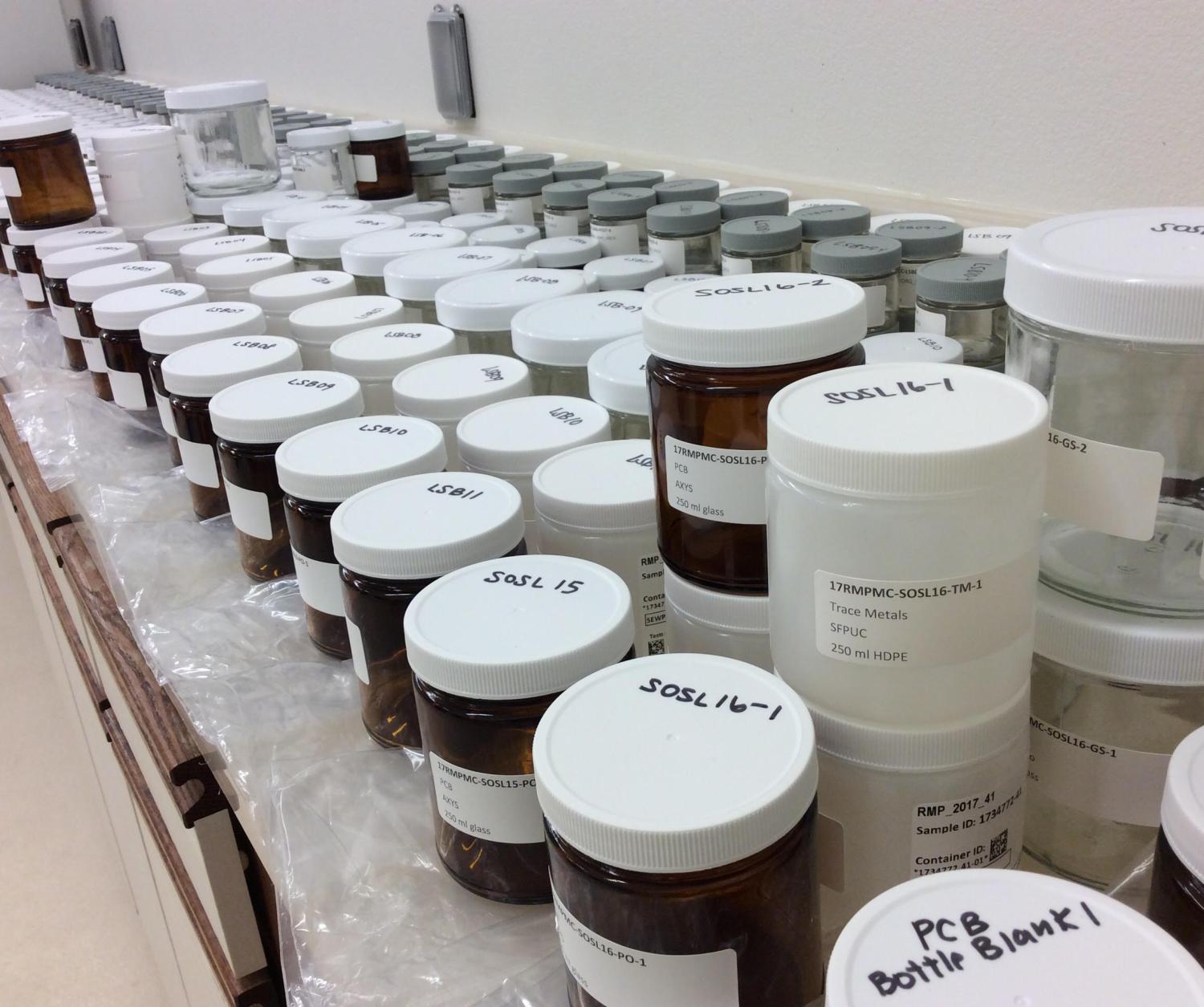
The RMP maintains an extensive collection of archived samples to allow for reanalysis or retrospective studies of new contaminants. The Archive Sample Locator Tool provides a web interface that researchers can use to browse the RMP archive sample database when considering using archived material for a study. The RMP has been collecting archived samples during each sampling event for sediment, bivalve, fish and birds since the early 1990s. These samples are available upon request. For more information please contact the RMP Manager, Amy Kleckner, at [email protected].